


Screen Any Solar Site in 60 Seconds
NREL, NASA, FEMA, and transmission data on one map.
AI that analyzes each site and compares your entire portfolio.
"I love the idea of taking on the big guys. Well done! Excited to see this come to market as the price charged by the big players is egregious!!!"
Foundation-Level Data
Energy Resources
AI at Every Level
From individual site analysis to portfolio-wide insights β AI that works the way you do.
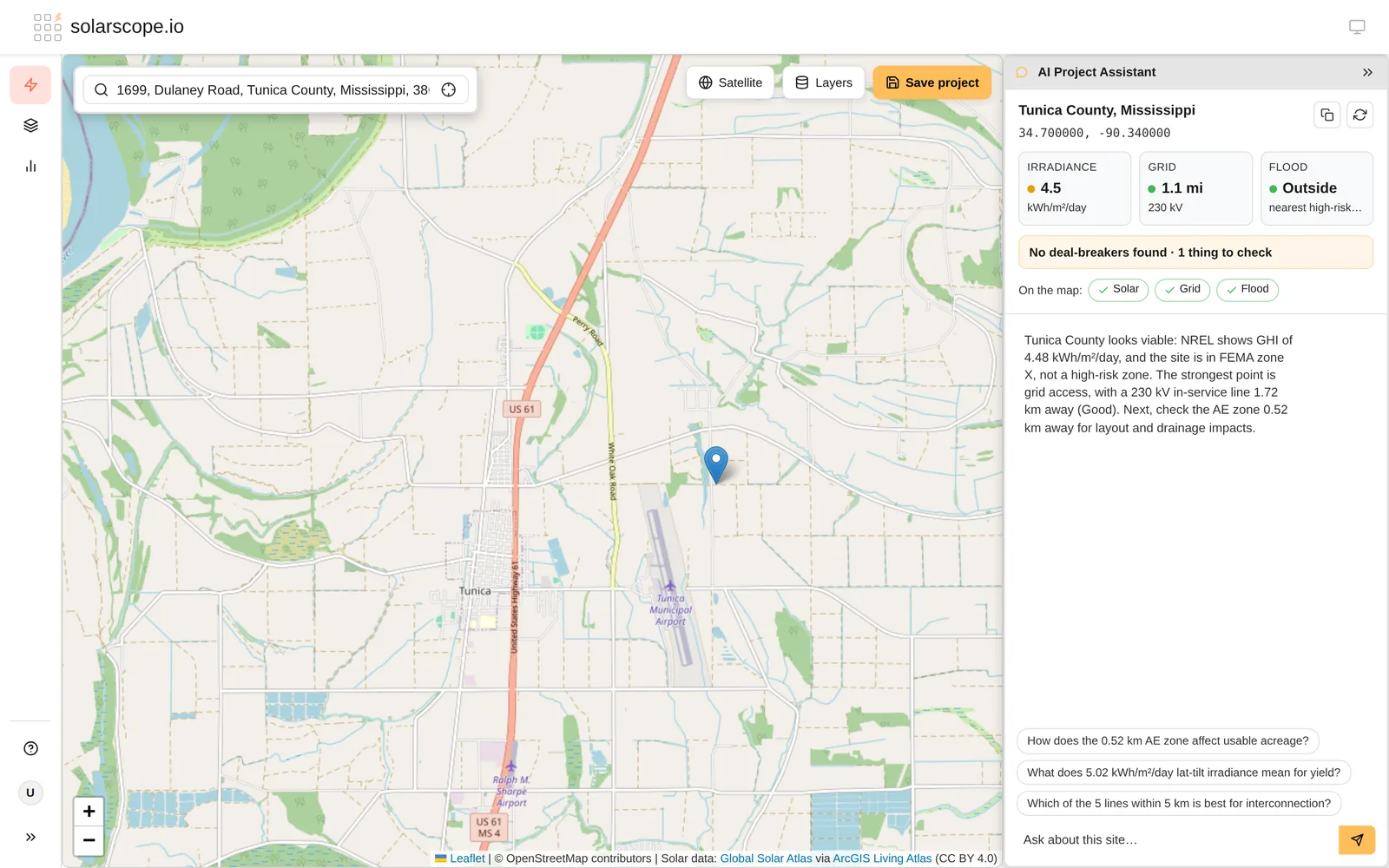
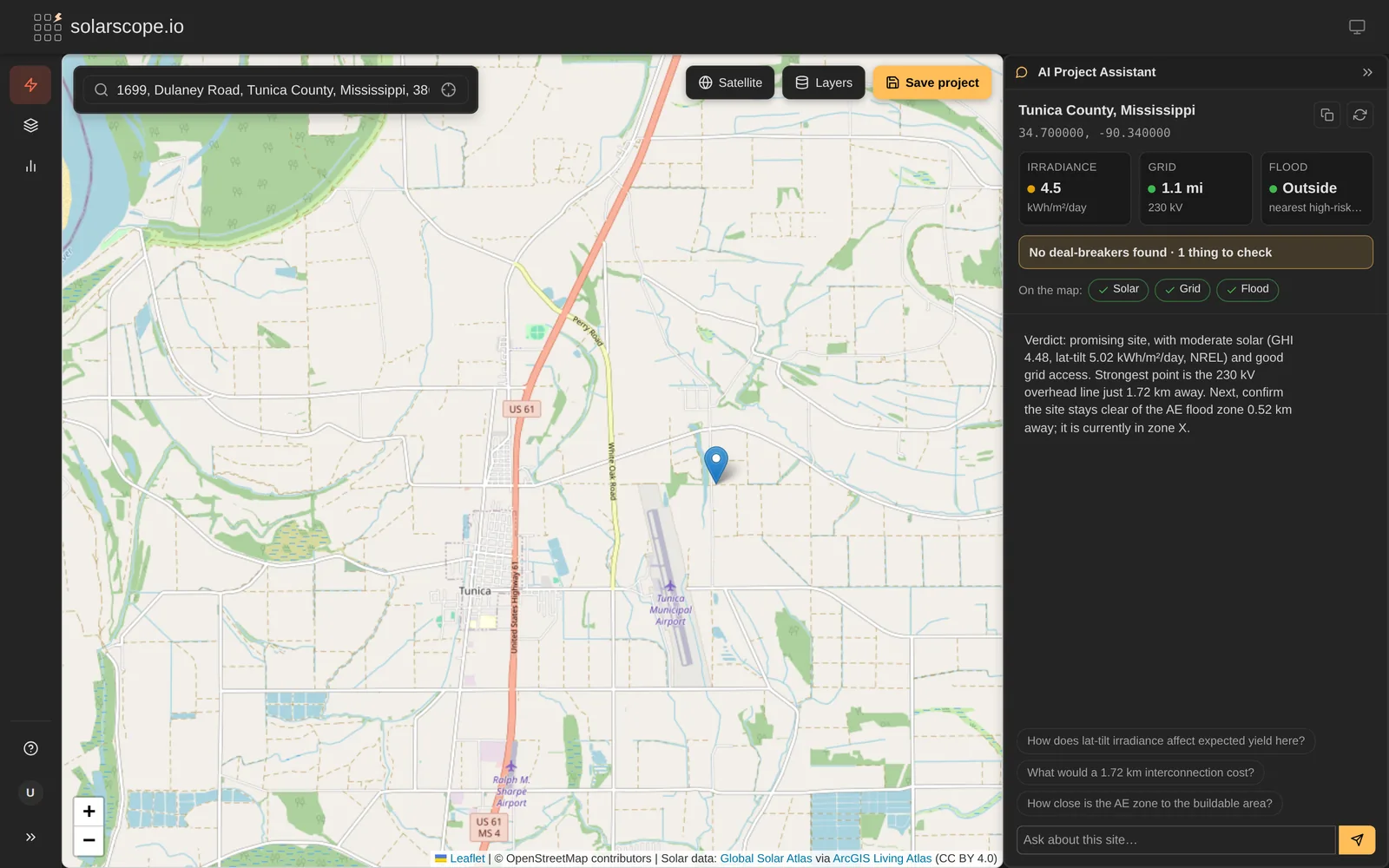
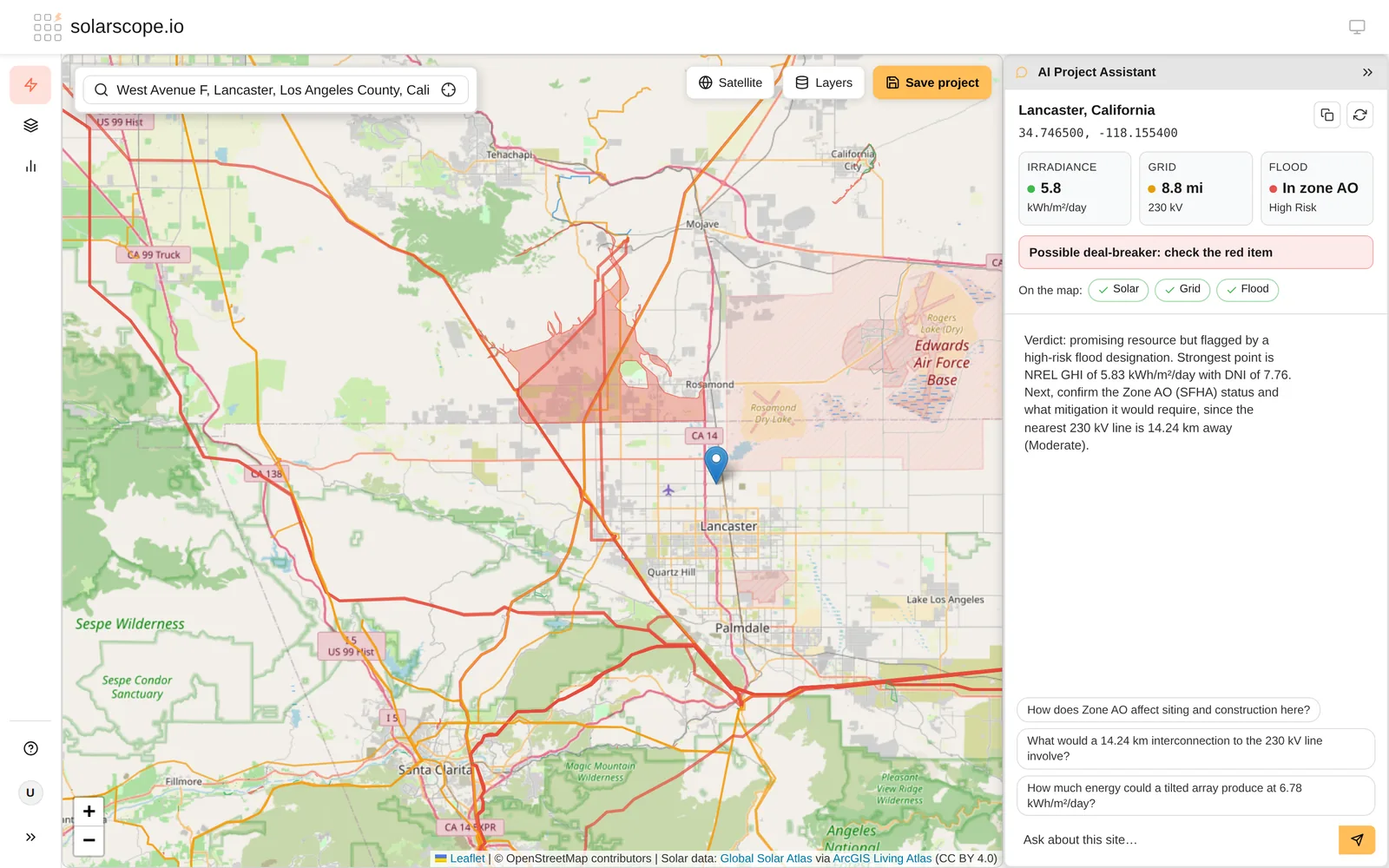
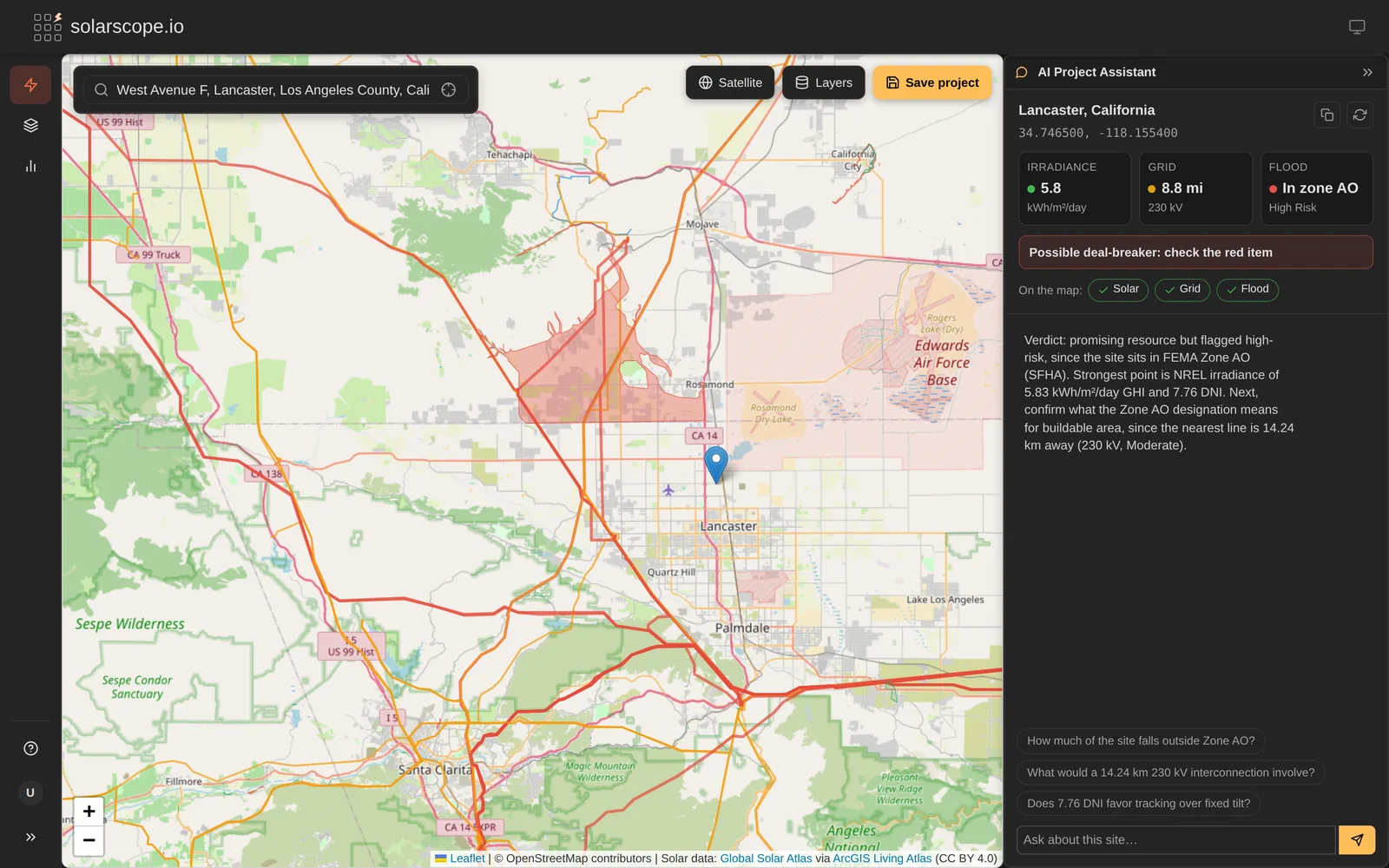
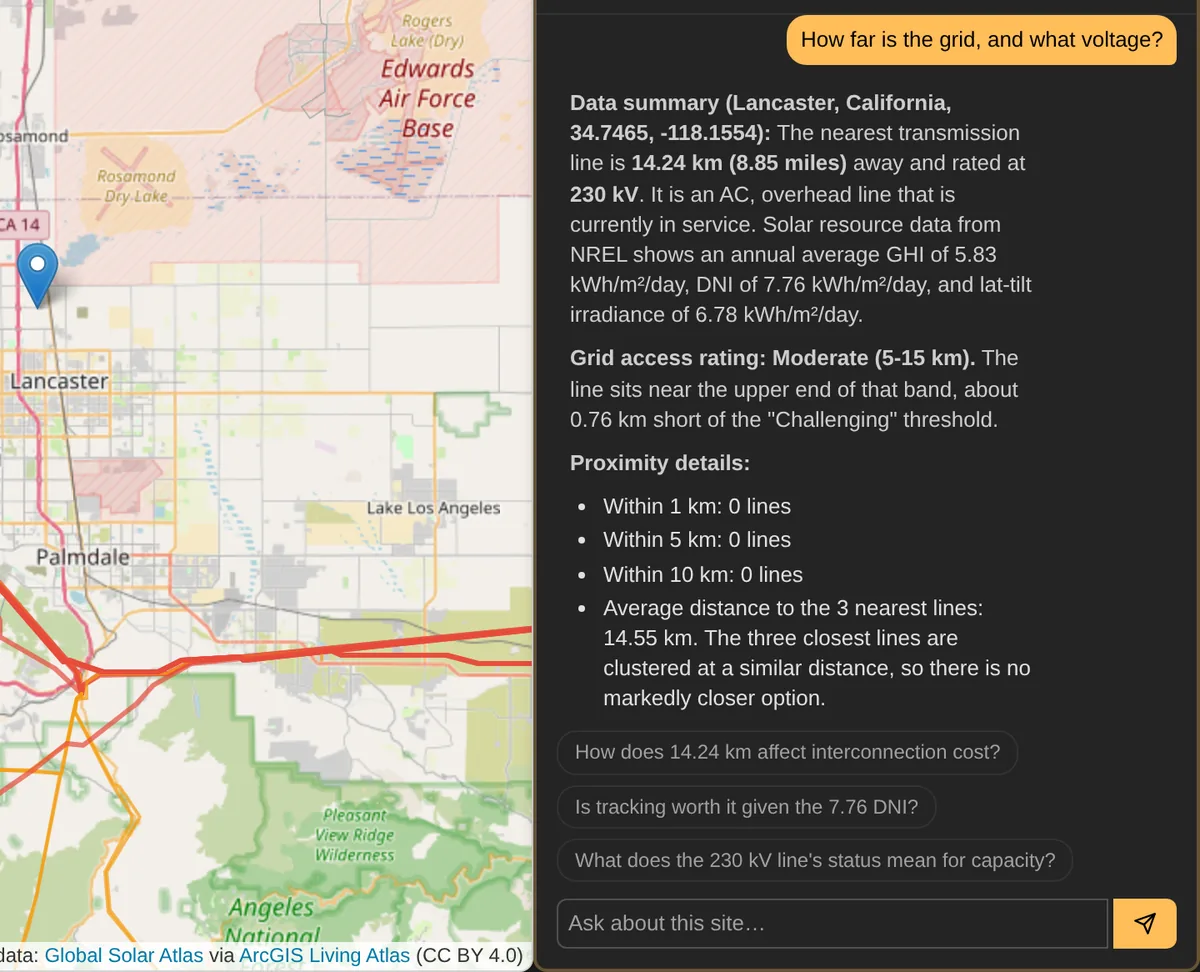
AI Project Assistant
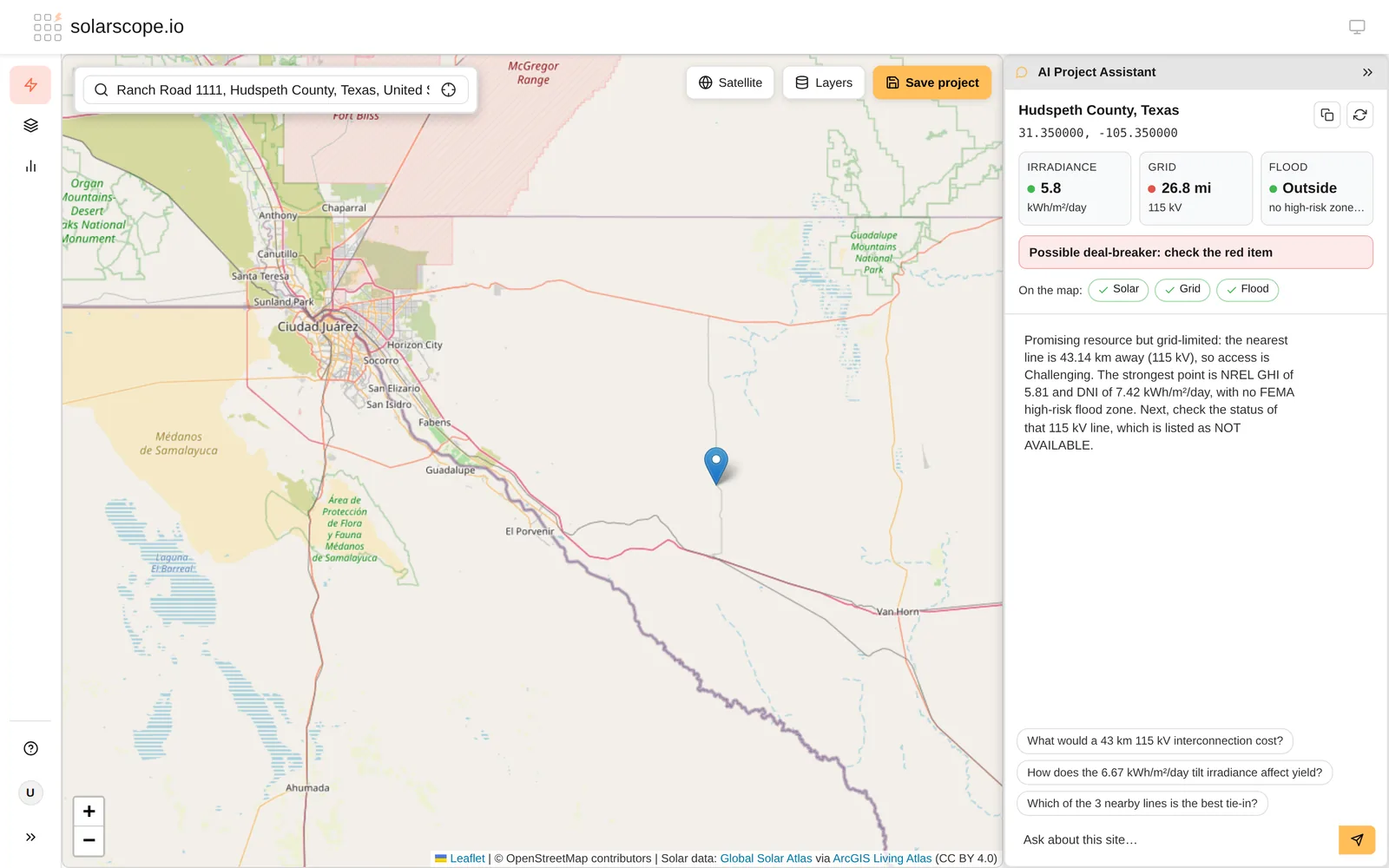
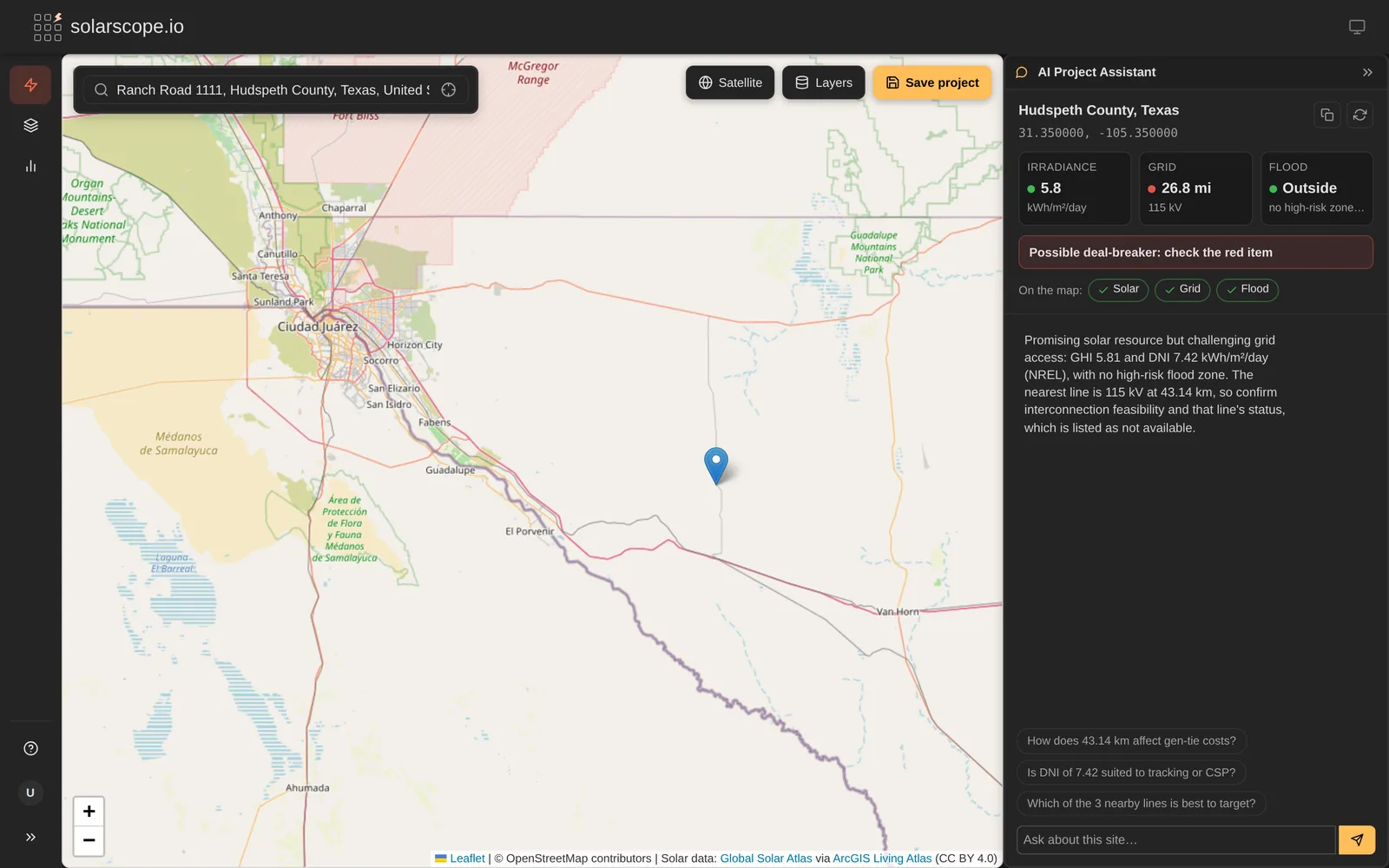
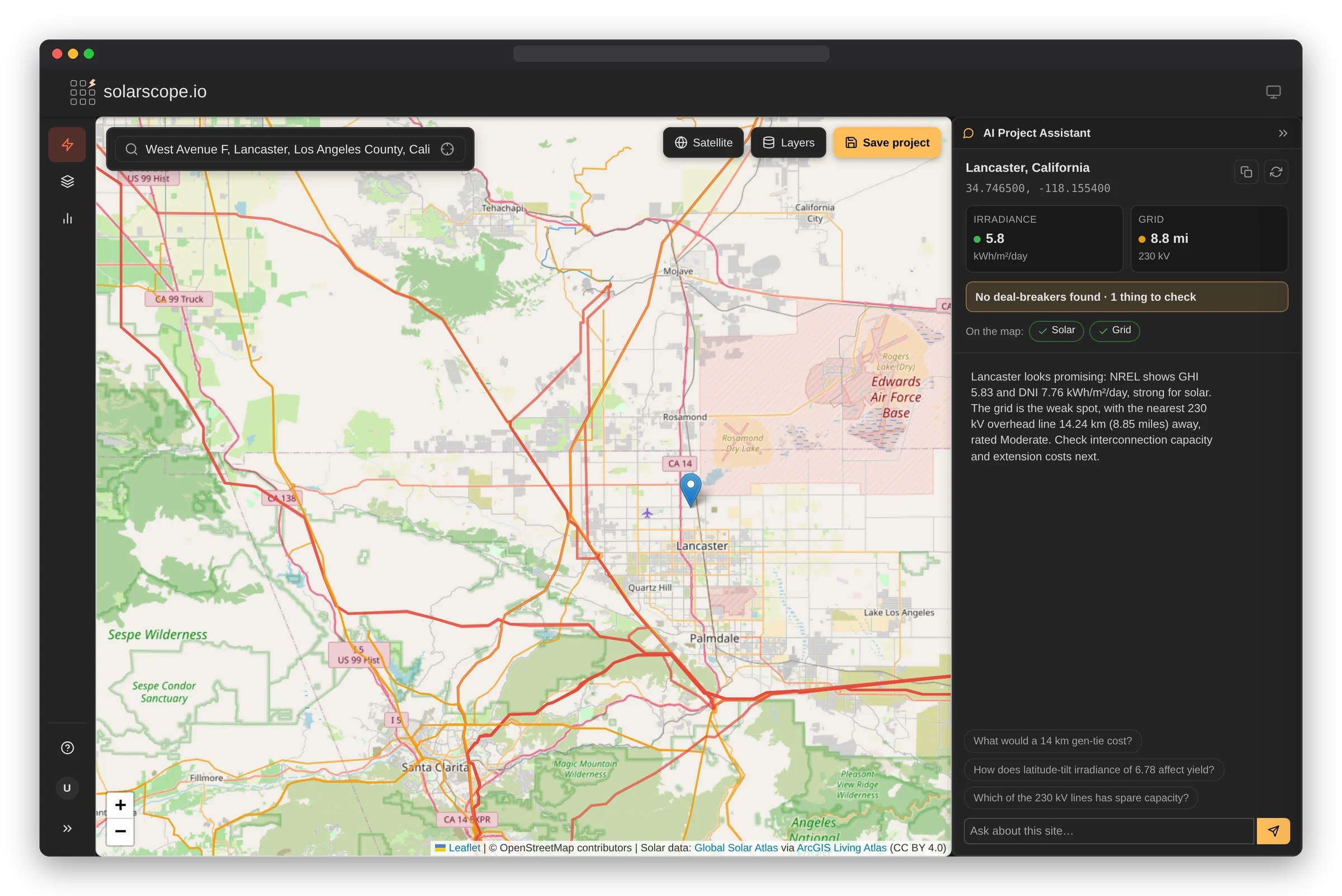
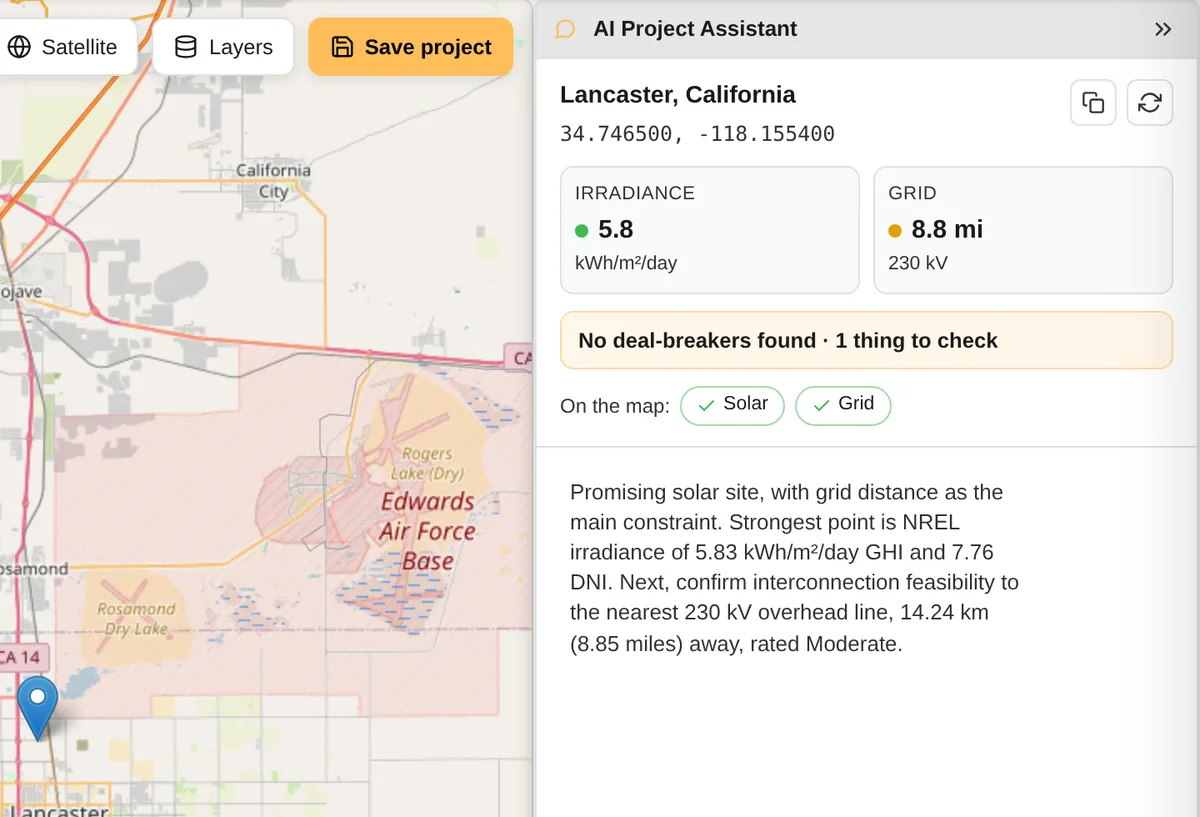
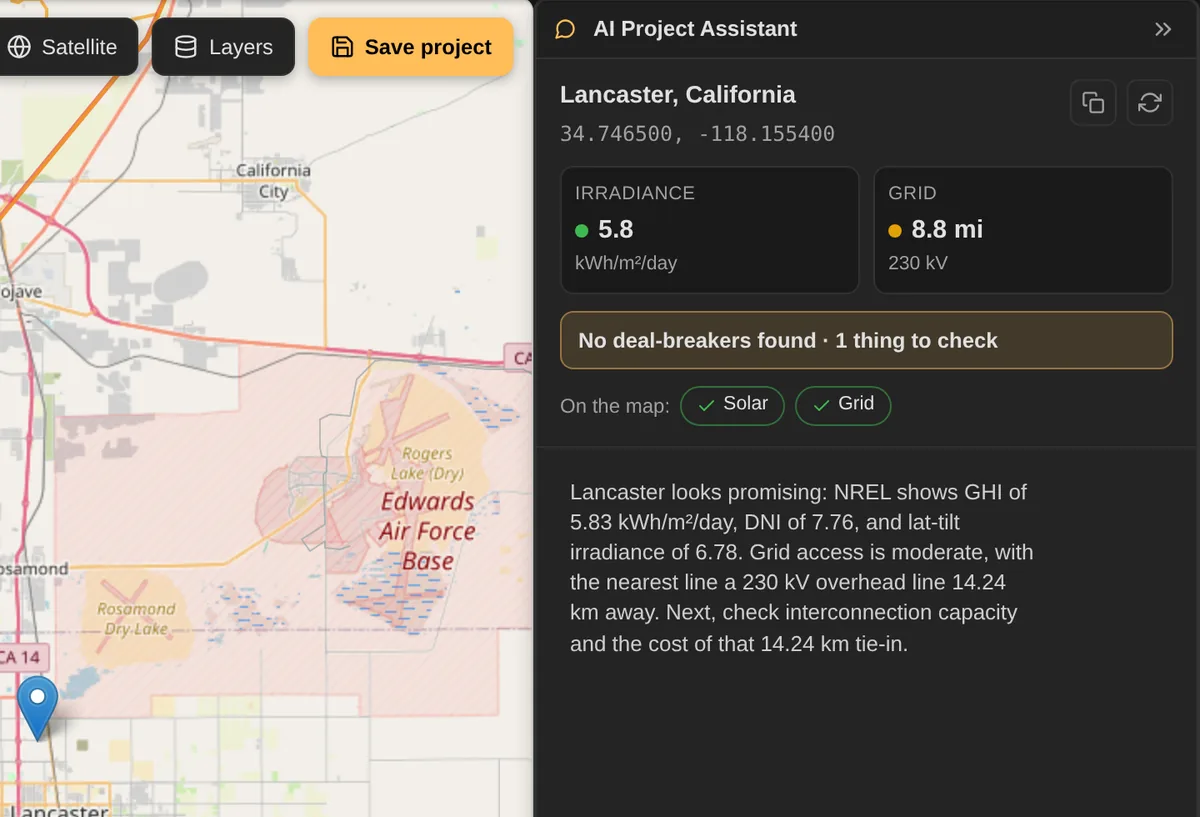
Deep analysis on every site
Ask any question about a solar site and get expert-level answers grounded in real data. The assistant reviews irradiance, terrain, constraints, and financials β surfacing insights that would take hours to find manually.
Pipeline Analysis
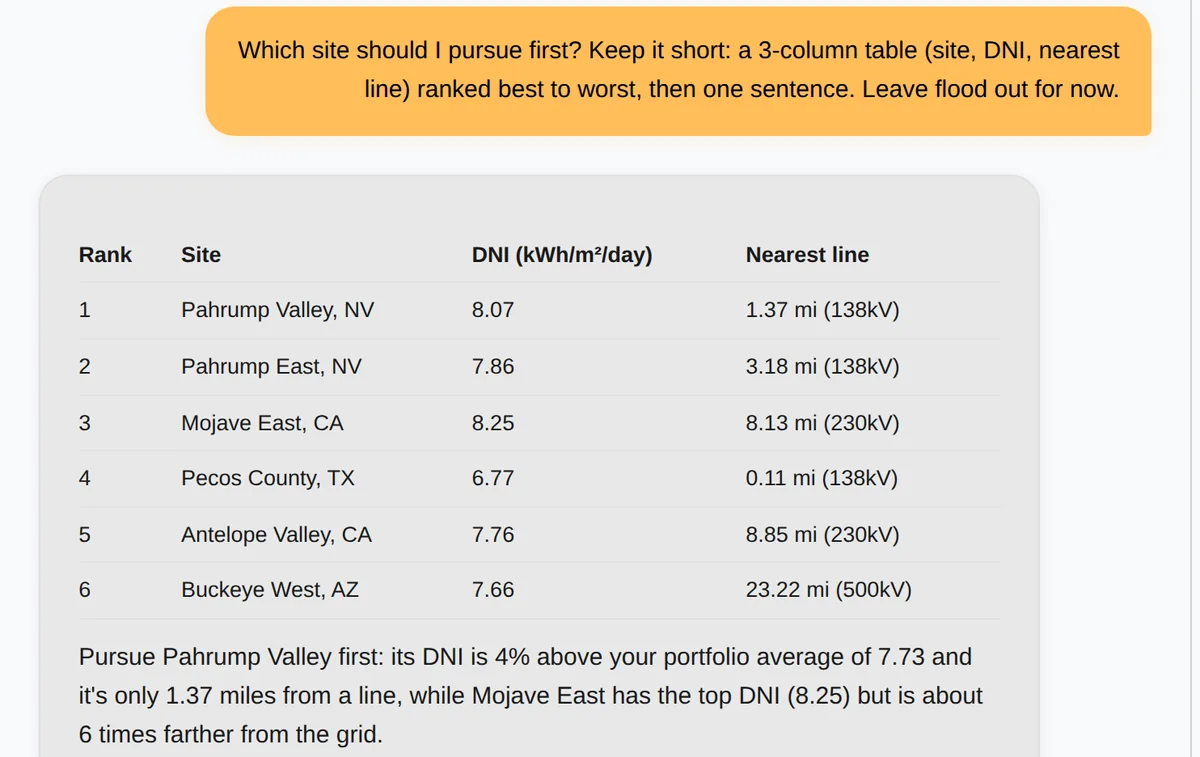
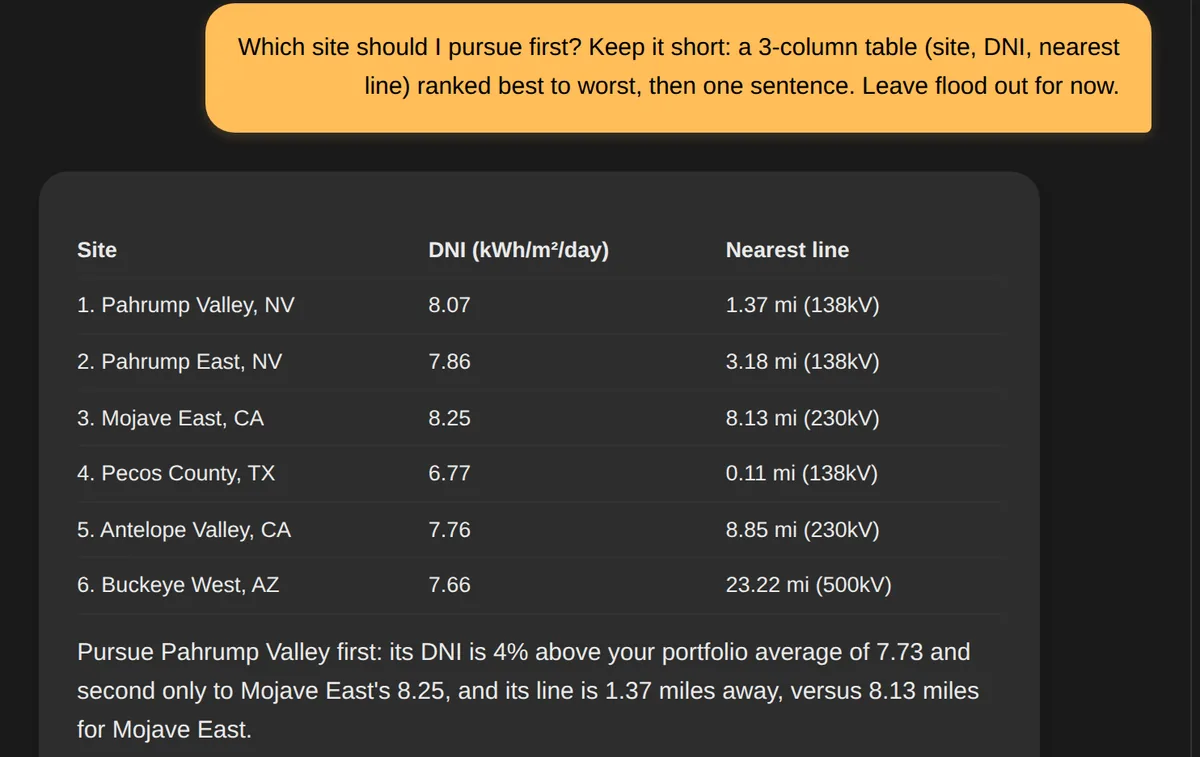
Rank and optimize your portfolio
Turn portfolio data into immediate action. AI synthesizes your pipeline to rank sites by opportunity, surface missing data, and tell you exactly where to focus your resources.
How Site Studio Works
Map-first solar planning with AI-powered insights
Watch it in action
Or read through the steps below
Five Simple Steps
From map to actionable solar insights
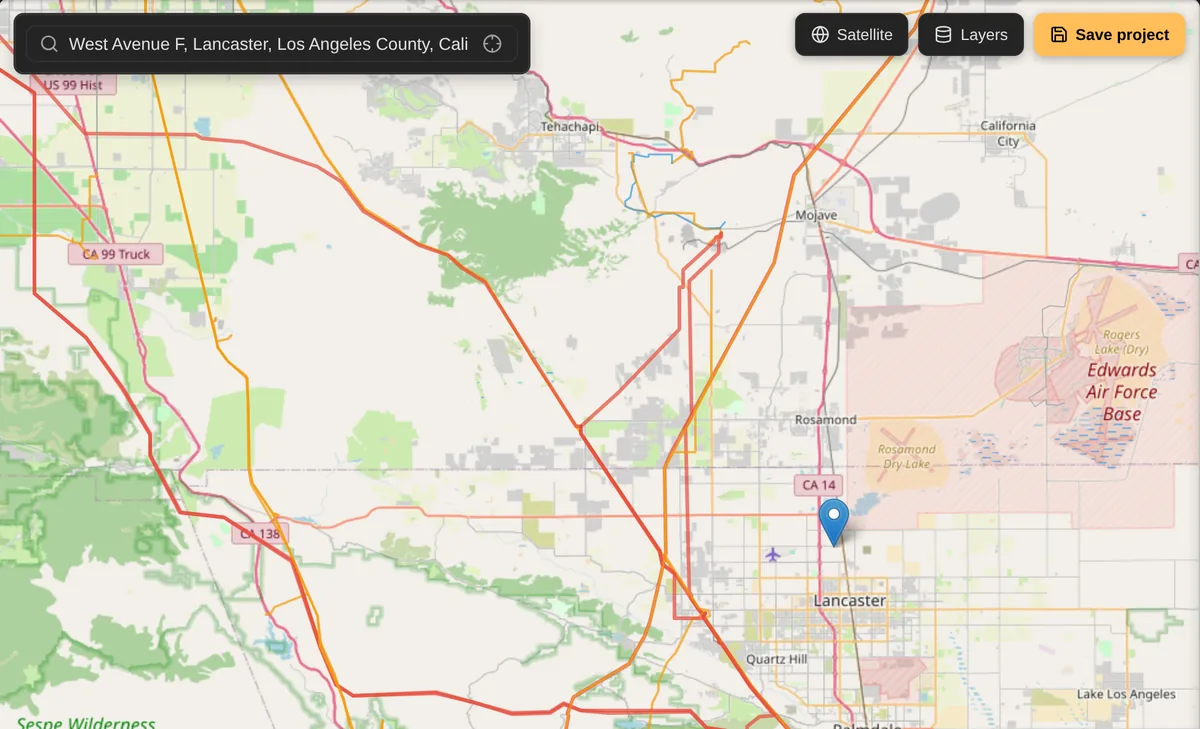
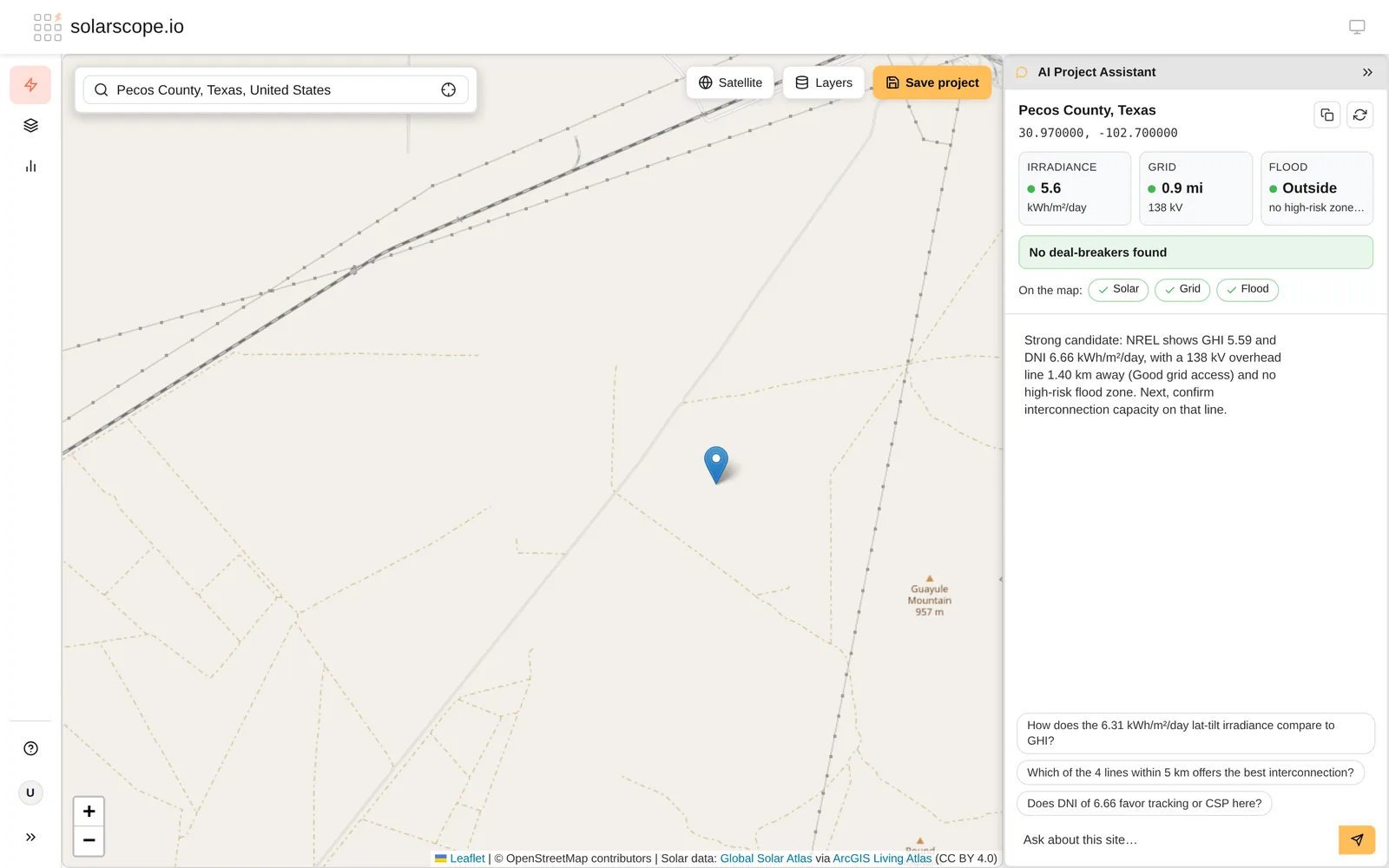
Step 1: Start with the Map
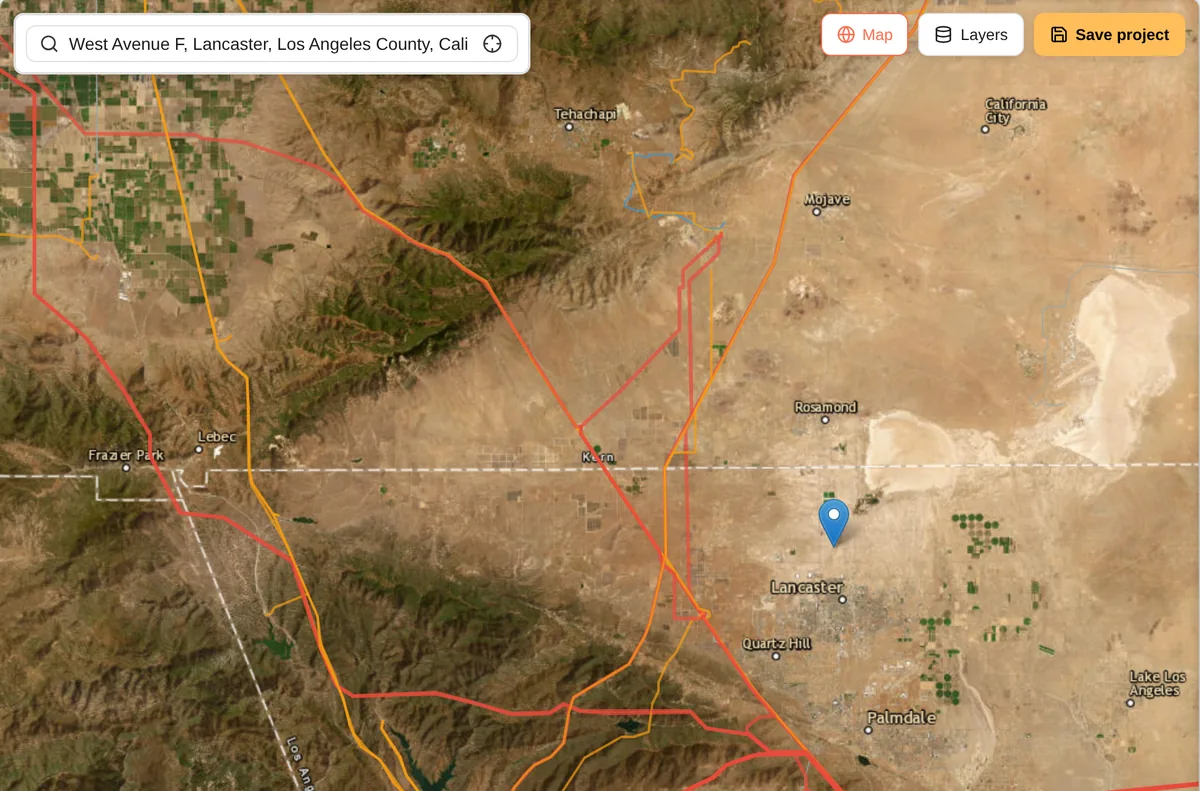
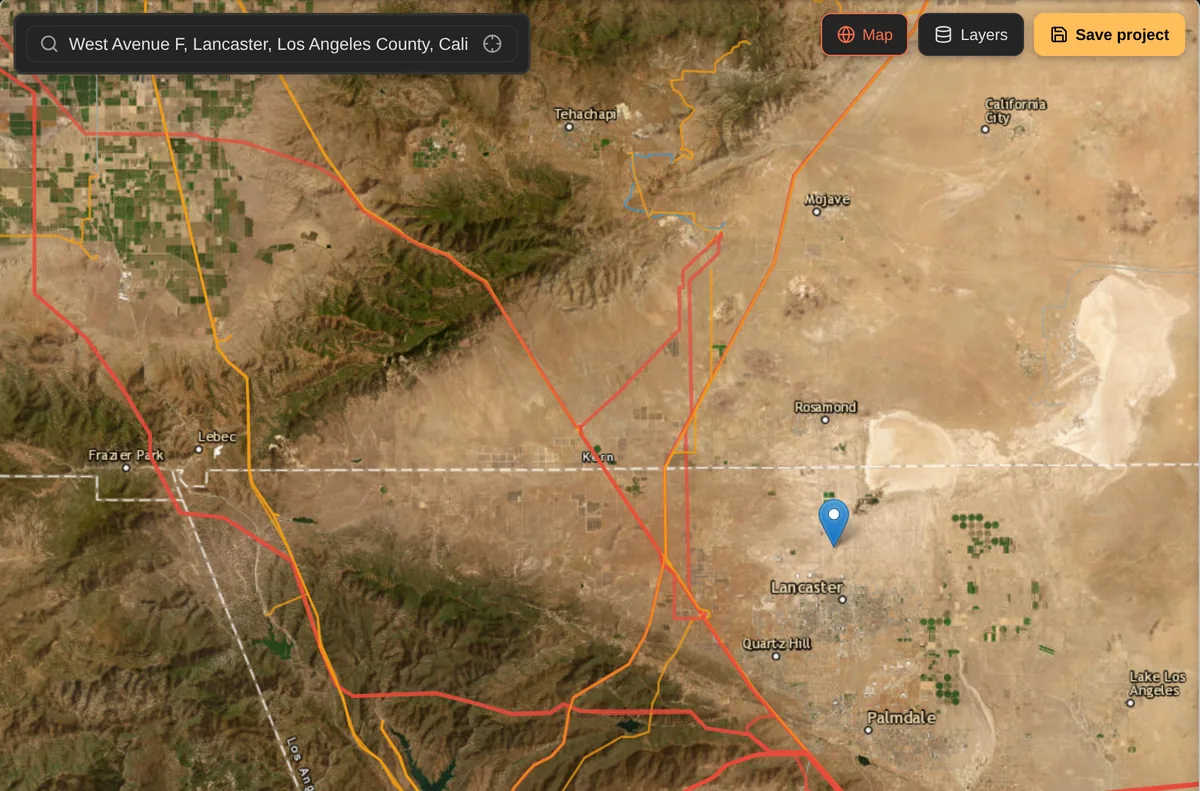
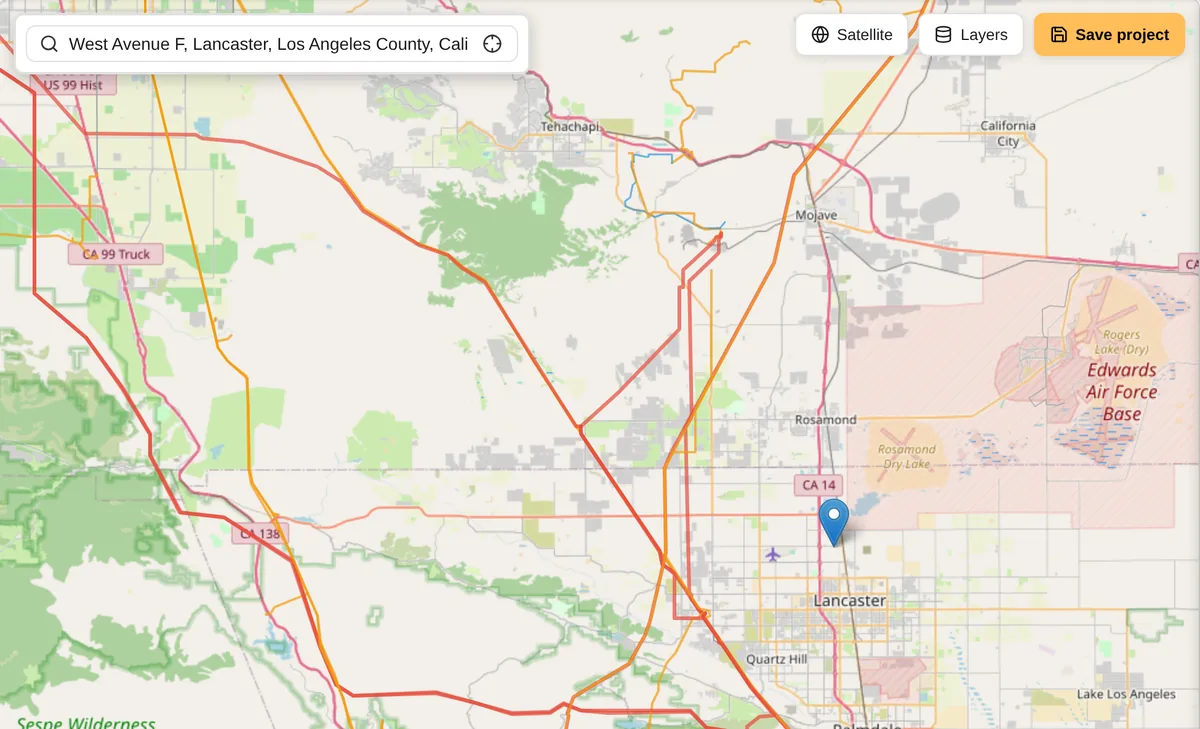
Open Site Studio and explore your project area on an interactive map. Pin your exact location by address or coordinates - the map becomes your visual workspace for solar planning.
Step 2: Layer Your Data
Toggle solar radiation data from PVGIS and NREL, transmission lines, flood zones, and infrastructure layers directly onto the map. See all critical site factors in one visual interface with instant solar data summaries.
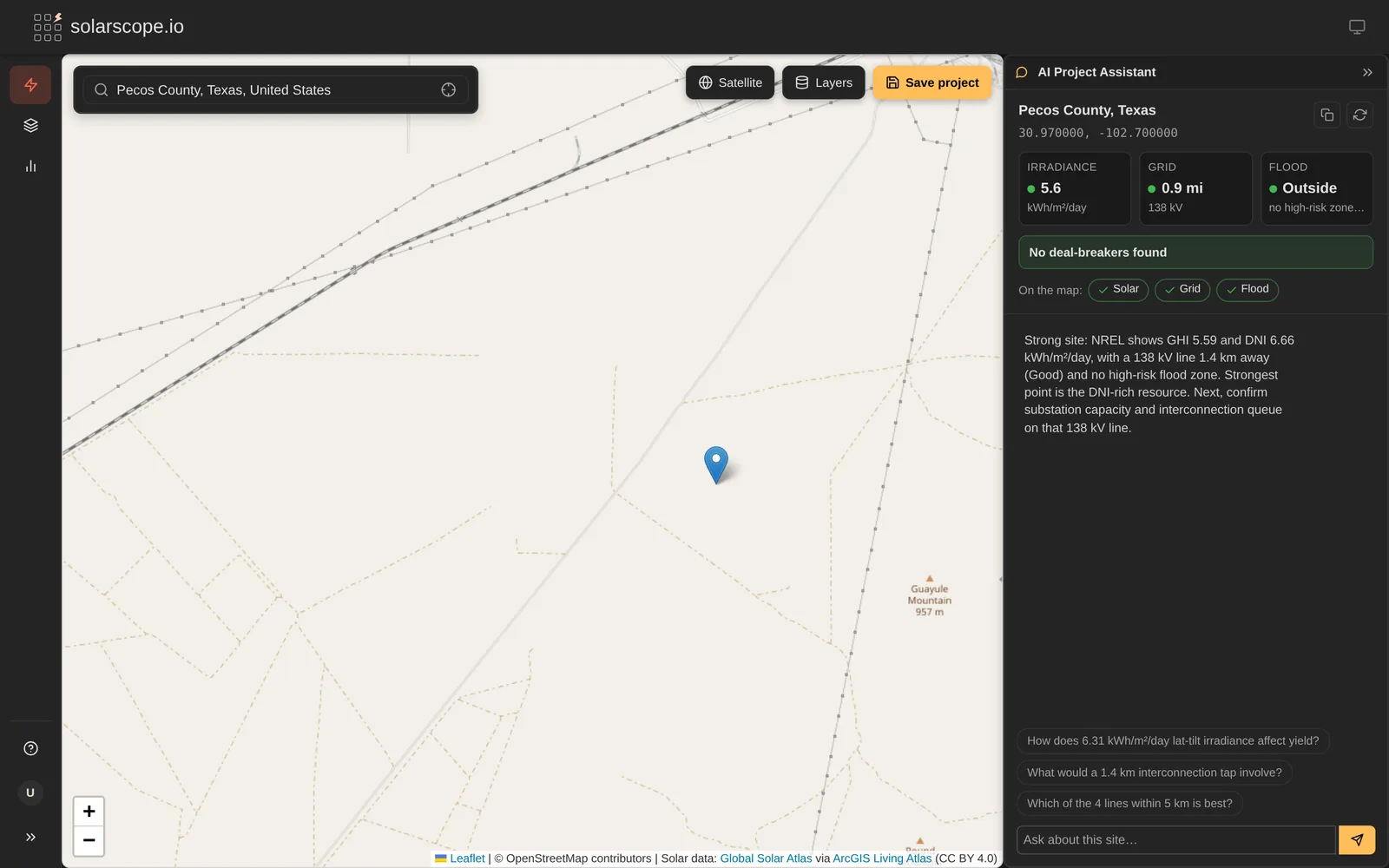
Step 3: Run AI Analysis
Select your data layers and the AI Assistant provides comprehensive site assessments. As you choose locations, the AI instantly analyzes relevant solar data and delivers detailed evaluations including transmission line analysis, flood risk evaluation, and environmental considerations.
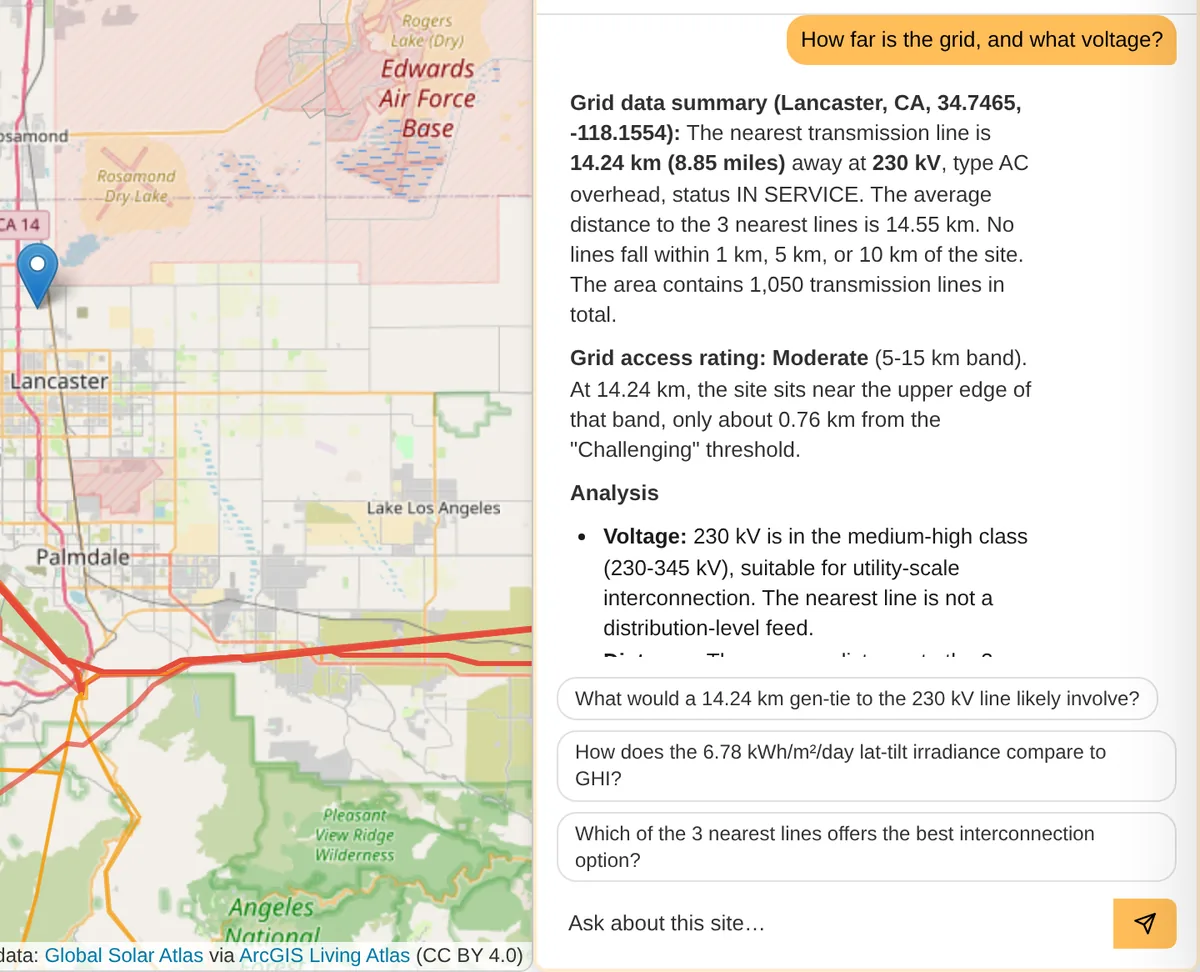
Step 4: Chat with Your AI Assistant
Ask questions about annual solar potential, ROI projections, system sizing, or site constraints. Your AI assistant has full context of your location and loaded data layers to provide detailed, location-specific analysis and recommendations.
Step 5: Save and Resume
Save your project with all map data, analysis, and AI conversation history. Access your projects anytime from My Site Projects - resume your work exactly where you left off with all context preserved.
Skip the busywork
- Automatic grid feasibility β Instantly see grid hosting capacity, utility provider, and interconnection potential. No separate research needed.
- AI that analyzes for you β Select your data layers and the AI Project Assistant breaks down solar potential, flood risk, transmission access, and grid capacity. Real data, not guesswork.
- NREL, FEMA, and HIFLD in one view β Overlay solar irradiance, flood zones, and transmission lines on a single map. Data that takes hours to gather, ready in seconds.
- Predictable pricing β Simple monthly plans starting at $9/mo. No per-project fees, no hidden credits. Upgrade when you need more.
- Built for the decision, not the design β Screen sites before committing to full engineering. Know if a location is viable before spending thousands on design software.
AI Portfolio Insights
Which site has the best solar potential? Where's your flood risk? Compare every project you've assessed in one conversation. The AI sees your entire portfolio, with real data from NREL, FEMA, and HIFLD.
How We Compare
See how solarscope.io compares to legacy solar platforms
| Feature | SolarScope.io | PVcase Prospect | RatedPower | Glint Solar | Aurora Solar | HelioScope |
|---|---|---|---|---|---|---|
| Target Market | All project scales | Utility-scale | Utility-scale | Utility-scale | Residential + Commercial | Commercial + Small utility |
| AI-Powered Auto-Analysis | AI Project Assistant | Limited | ||||
| Automatic Data Loading | NREL/PVGIS + Infrastructure | Manual process | Manual process | Limited | Manual | Manual |
| Map-First Workflow | Site Studio | Map-based | Layout-focused | Map-based | Design-focused | Design-focused |
| Setup Time | Minutes | Days to weeks | Hours | Hours | Hours | Hours |
| Learning Curve | Low | High | Medium-High | Medium | High | Medium |
| Performance | Fast, responsive | Slow, reported crashes | Good | Good | Good | Good |
| Pricing (est.) | From $9/user/mo | $1,200-2,500/user/mo | Custom quote | Custom quote | $135-220/user/mo | $95-259/user/mo |
| Geographic Coverage | Global | US-focused (states cost extra) | Global | Global | Global | Global |
| Premium Data Add-ons | Included | $$$+ | $$ | $$ | $$ | $$ |
| Best For | Fast, AI-powered site assessment | Established enterprises w/ big budgets | Full design pipeline | European developers | Residential/small commercial | C&I solar projects |
Comparison based on publicly available information. Features and pricing of other platforms may vary.
Simple, outcome-based pricing
Pay for site assessments, not compute credits. Cancel anytime.
Scout
Essential site screening with core data layers. Ideal for solo prospectors evaluating a handful of sites.
- 10 site assessments / month
- 5 saved projects
- NREL Solar Data (US)
- US Flood Zones
- AI Project Assistant
- AI Portfolio Insights (up to 5 projects)
- Standard support (24-48hr)
- All infrastructure layers
- PDF export
Pro
Everything in Scout, plus unlimited assessments, all infrastructure layers, and PDF export.
- Unlimited site assessments
- Unlimited saved projects
- All data sources (NREL, PVGIS, ArcGIS)
- All infrastructure layers (Flood Zones, Transmission Lines)
- AI Project Assistant
- AI Portfolio Insights (all projects)
- PDF export
- Priority support
Scale
Everything in Pro, plus batch analysis and dedicated support for high-volume users.
- Unlimited site assessments
- Unlimited saved projects
- All data sources (NREL, PVGIS, ArcGIS)
- All infrastructure layers (Flood Zones, Transmission Lines)
- AI Project Assistant
- AI Portfolio Insights (all projects)
- PDF export
- Batch site analysis
- Early access to new features
- Dedicated support
Cancel anytime with no hassle. We're committed to your satisfaction.